TLDR: Jaguar Land Rover Australia moved its drive-day driver tracking from paper logs to DriveExpert. Previously, a fine arriving weeks after an event meant hunting through handwritten sheets and chasing the dealership for licence details — days of follow-up. Now participants complete their details by link before they arrive, each vehicle changeover takes about 30 seconds, and every drive is recorded against both driver and vehicle with signatures and timestamps. The same workflow now covers media vehicles, ambassador programs and internal fleet movement, feeding into Salesforce.
The drive-day problem
Jaguar Land Rover Australia is now using DriveExpert to manage vehicle movements and driver activity across its national fleet operations, including drive days, media vehicles, ambassador programs and internal fleet usage throughout the country.
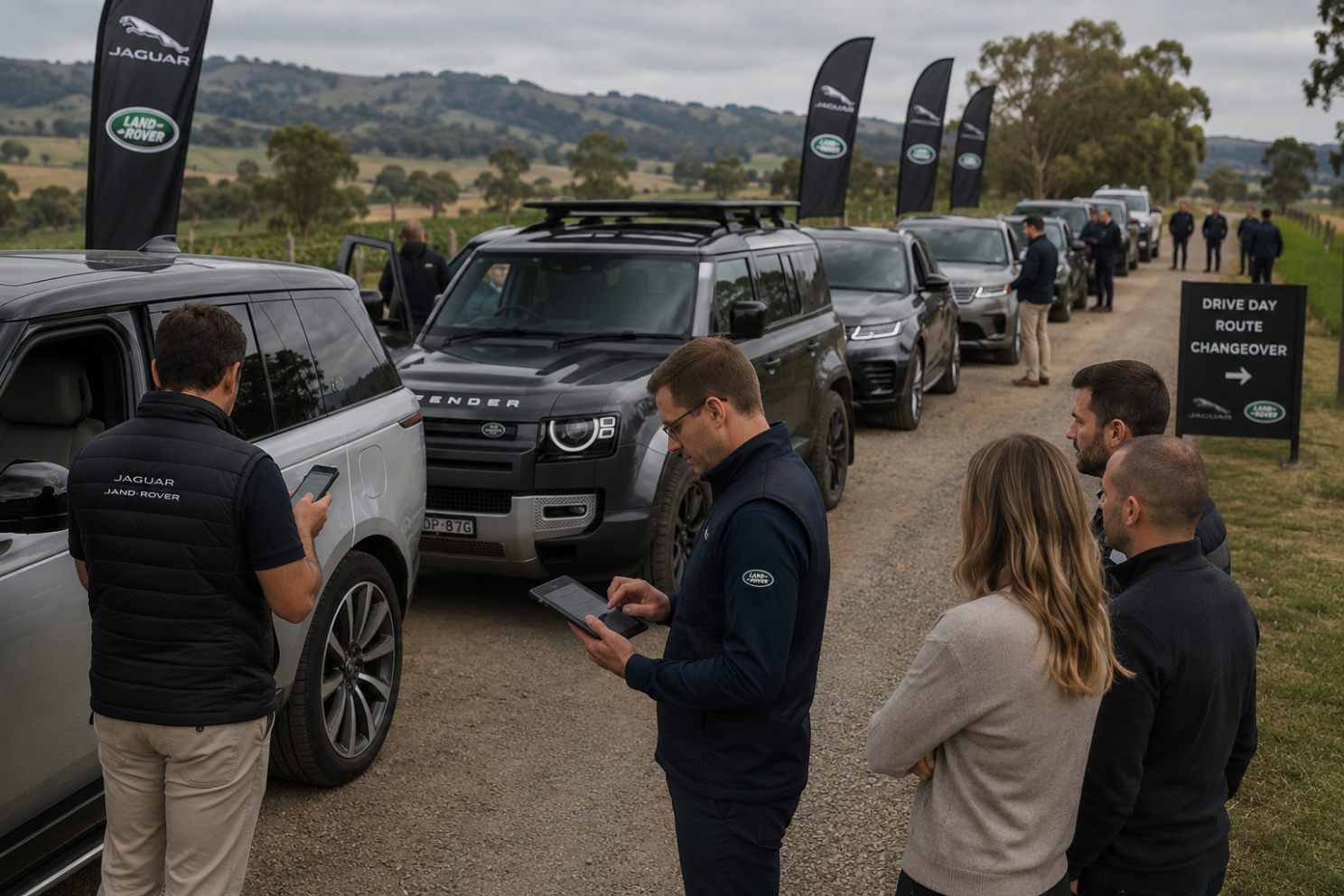
One of the more challenging issues sat within JLR head office drive days, which form part of a three-day training program for dealer staff. On the final day, groups of around 20 participants rotate through different vehicles throughout the day.
JLR was already using a digital system for broader fleet activity across staff, media, ambassadors and internal vehicle movement, which worked reasonably well for those use cases. The issue was that drive days operated very differently.
Drive days were one example where the existing system didn’t align with what the team needed operationally.
Why paper logs broke down
Historically, driver activity was managed using paper logs kept inside each vehicle, with participants writing down when they started and finished driving. At the end of the day, those sheets then needed to be collected, stored and kept for later reference.
The problem came later.
When a fine arrived weeks after the event, the team at JLR had to work backwards to determine who was driving a specific vehicle at a specific time. That meant locating the correct paper logs, interpreting handwritten entries, and then contacting the dealership to obtain licence information for that staff member. The process itself was manageable, but it often stretched across multiple calls, emails and follow-ups over several days or weeks, with the outcome still dependent on the accuracy of the original notes.
There were also practical issues during the drive day itself. In previous sessions, drivers had gone off route and gotten lost, and while their details were technically recorded, that information was sitting inside the vehicle they were driving. The team had no simple way to quickly identify who was in which vehicle and was unable to contact them directly.
What JLR does now
JLR is now using DriveExpert to handle the same workflow digitally without changing how the drive day itself operates.
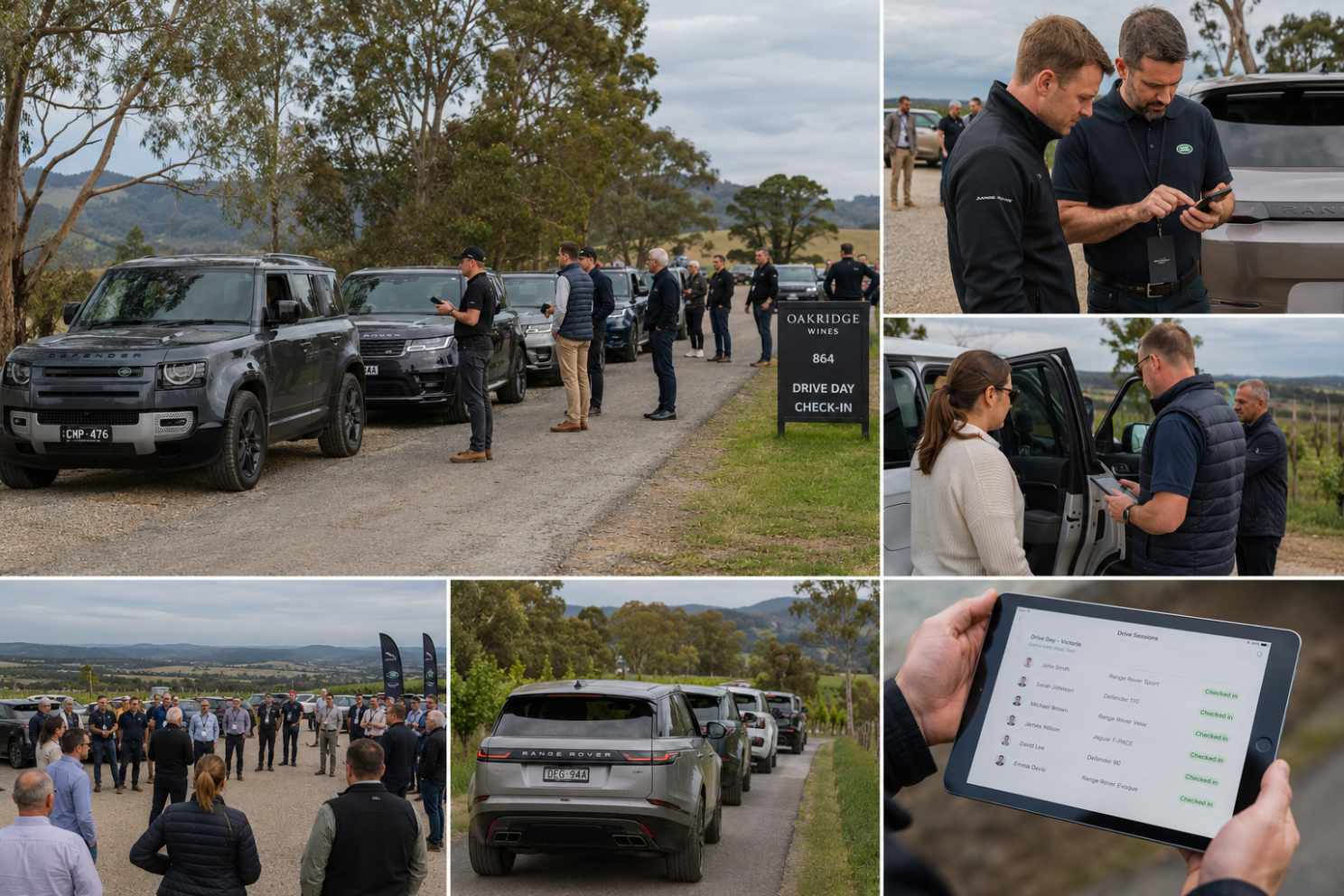
Ahead of the event, participants receive a link to complete their details and accept the required terms, so by the time they arrive everything is already captured. During the day, when drivers rotate between vehicles, staff simply select the next participant from the list and start the next drive without rescanning licences or re-entering information at the vehicle.
Each changeover takes around 30 seconds with DriveExpert Bookings.
Every drive is now digitally recorded against both the driver and vehicle, with licence details, signatures and timestamps captured as part of the process itself. That removes the need to manage paper logs after the event and allows the team to immediately identify who was driving a vehicle if questions arise later, without the need to chase the dealership for their staff details.
It also means staff can see exactly who is driving each vehicle during the event itself and contact them directly if needed.
Beyond drive days: one workflow for the national fleet
DriveExpert now brings these workflows together across JLR’s broader national fleet activity as well, rather than separate systems and manual processes depending on the use case. Whether a vehicle is being used for dealer training, media activity, ambassador programs or internal fleet movement, the same workflow and driver tracking process now applies throughout the business.
Vehicle movement and driver data is also now flowing directly into Salesforce, which is JLR Global’s single source of truth, without requiring a different record keeping process for different vehicle use cases.
Across a national OEM fleet operation, vehicles are constantly moving between departments, programs and drivers. Having all of that activity captured consistently in one place removes a lot of manual follow-up later on.